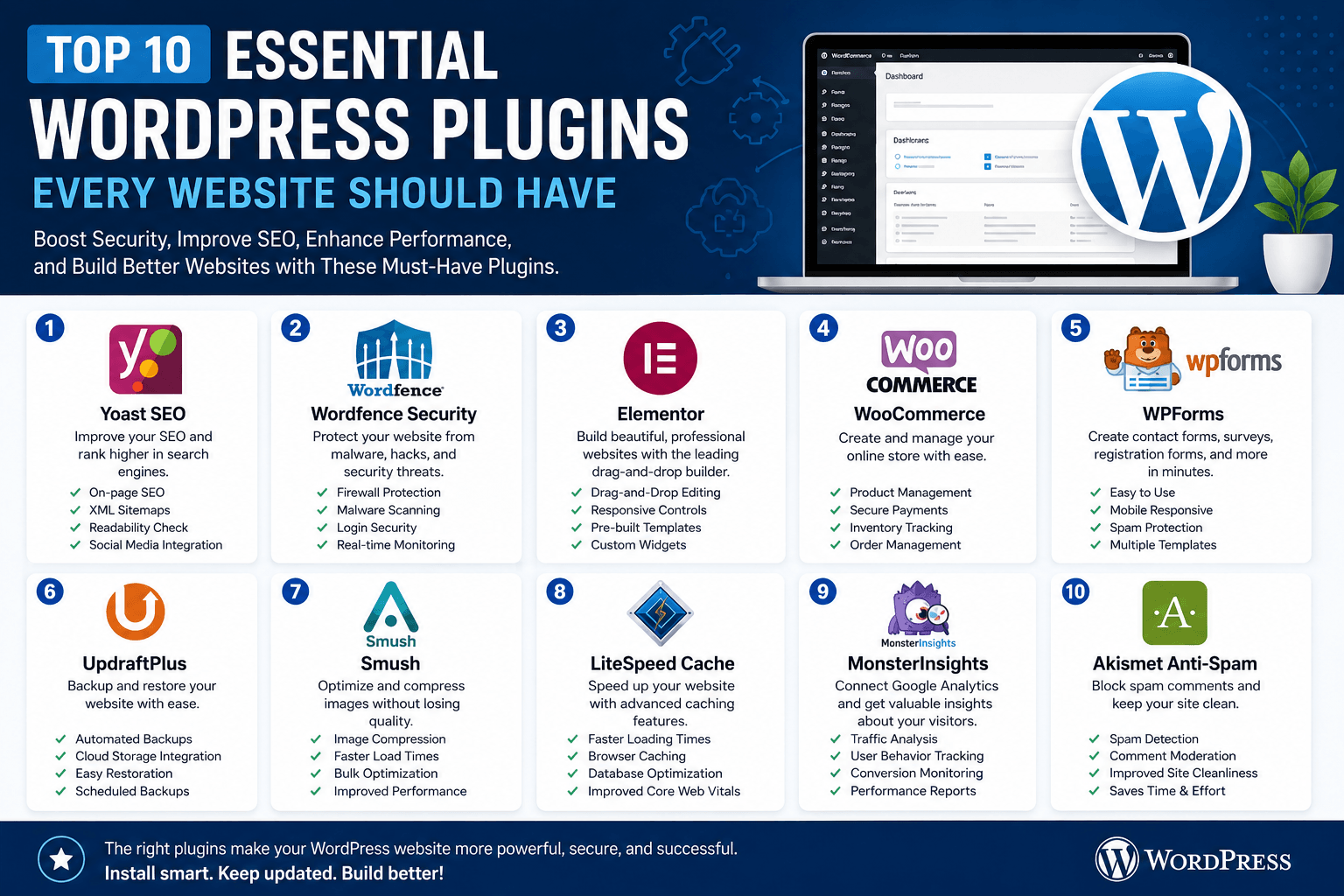
WordPress powers millions of websites worldwide, offering flexibility and customization through its extensive plugin ecosystem. Plugins help website owners add new features, improve performance, enhance security, and optimize user experience without writing complex code. However, with thousands of plugins available, choosing the right ones can be challenging.
This article highlights ten essential WordPress plugins that every website owner should consider.
1. Yoast SEO
Search Engine Optimization (SEO) is crucial for increasing website visibility. Yoast SEO helps optimize content, generate XML sitemaps, manage meta descriptions, and improve search engine rankings through easy-to-follow recommendations.
Benefits:
- On-page SEO analysis
- XML sitemap generation
- Readability checks
- Social media integration
2. Wordfence Security
Website security should be a top priority. Wordfence Security protects WordPress websites from malware, hacking attempts, and unauthorized access through advanced security features.
Benefits:
- Firewall protection
- Malware scanning
- Login security
- Real-time threat monitoring
3. Elementor
Elementor is one of the most popular drag-and-drop page builders for WordPress. It enables users to create professional and visually appealing web pages without coding knowledge.
Benefits:
- Drag-and-drop editing
- Responsive design controls
- Pre-built templates
- Custom widgets
4. WooCommerce
For businesses planning to sell products online, WooCommerce transforms WordPress into a powerful e-commerce platform.
Benefits:
- Product management
- Secure payment gateways
- Inventory tracking
- Order management
5. WPForms
WPForms allows users to create contact forms, surveys, registration forms, and feedback forms quickly.
Benefits:
- User-friendly interface
- Mobile responsive forms
- Spam protection
- Multiple form templates
6. UpdraftPlus
Regular backups are essential for website recovery. UpdraftPlus automatically backs up website files and databases.
Benefits:
- Automated backups
- Cloud storage integration
- Easy restoration process
- Scheduled backup options
7. Smush
Large images can slow down website performance. Smush optimizes images without reducing visual quality.
Benefits:
- Image compression
- Faster page loading
- Bulk optimization
- Improved user experience
8. LiteSpeed Cache
Website speed significantly affects SEO and user engagement. LiteSpeed Cache improves website performance through advanced caching techniques.
Benefits:
- Faster loading times
- Browser caching
- Database optimization
- Improved Core Web Vitals
9. MonsterInsights
Understanding visitor behavior is important for website growth. MonsterInsights connects Google Analytics with WordPress and provides easy-to-understand reports.
Benefits:
- Traffic analysis
- User behavior tracking
- Conversion monitoring
- Performance reporting
10. Akismet Anti-Spam
Spam comments can negatively impact website credibility. Akismet automatically detects and filters spam submissions.
Benefits:
- Automatic spam detection
- Comment moderation support
- Improved website cleanliness
- Reduced manual effort
Conclusion
The right combination of plugins can significantly improve your WordPress website’s security, performance, SEO, and overall functionality. While plugin requirements vary based on website goals, these ten plugins provide a strong foundation for most WordPress websites. Always keep plugins updated and install only those that are necessary to maintain optimal website performance and security.